Tallylight
Hit record. Look great.
- In beta
- Windows
- Recording & streaming studio
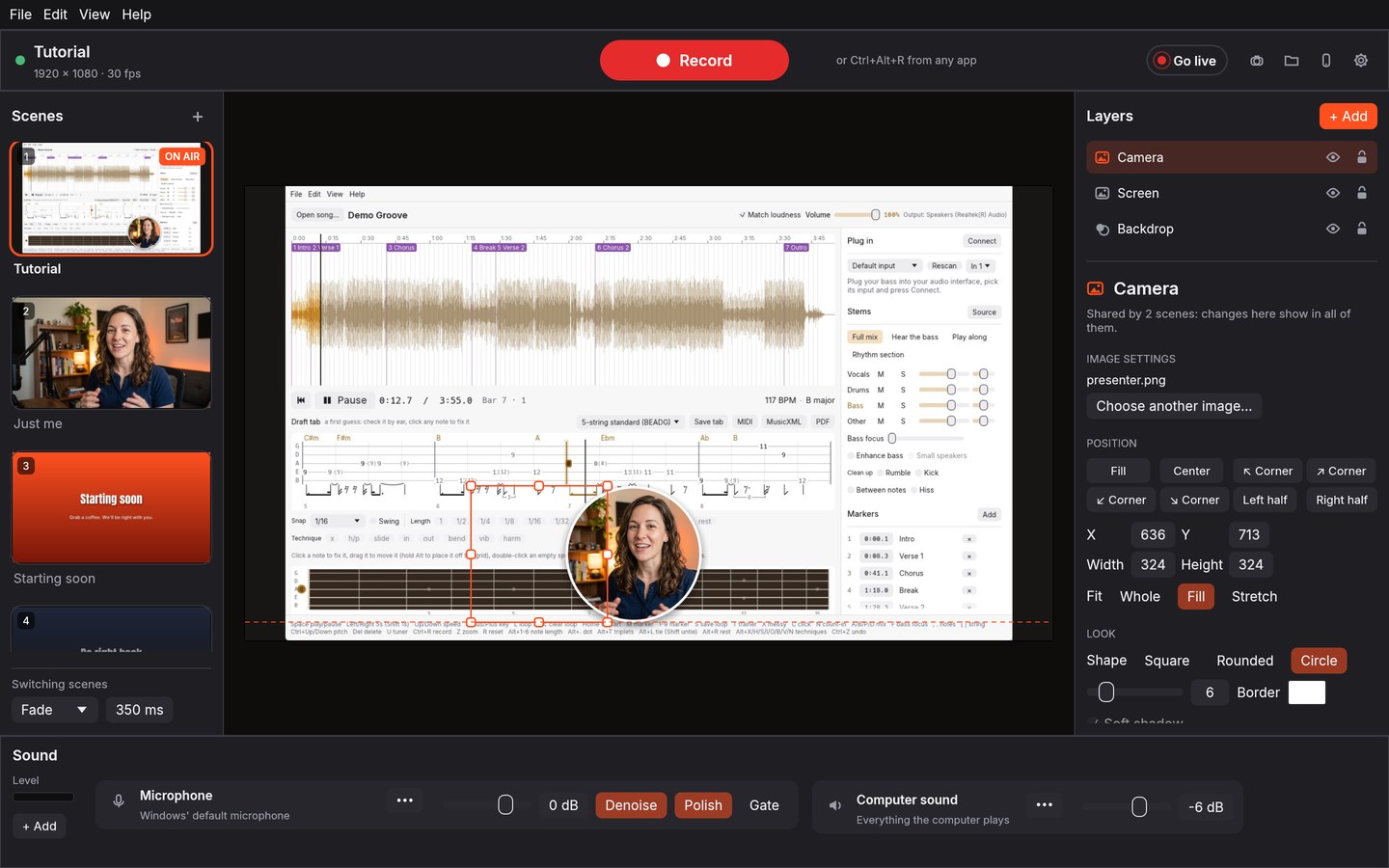
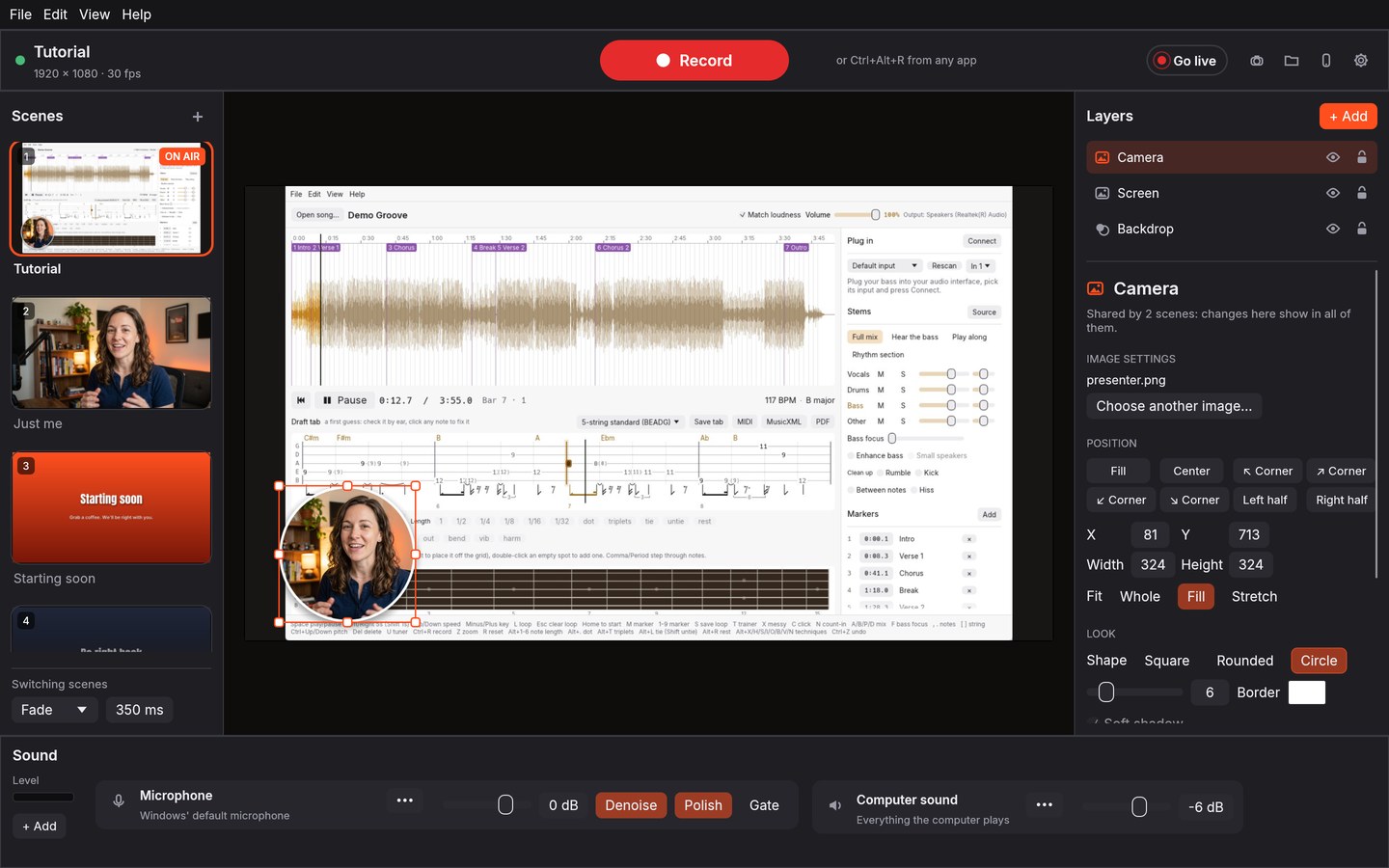
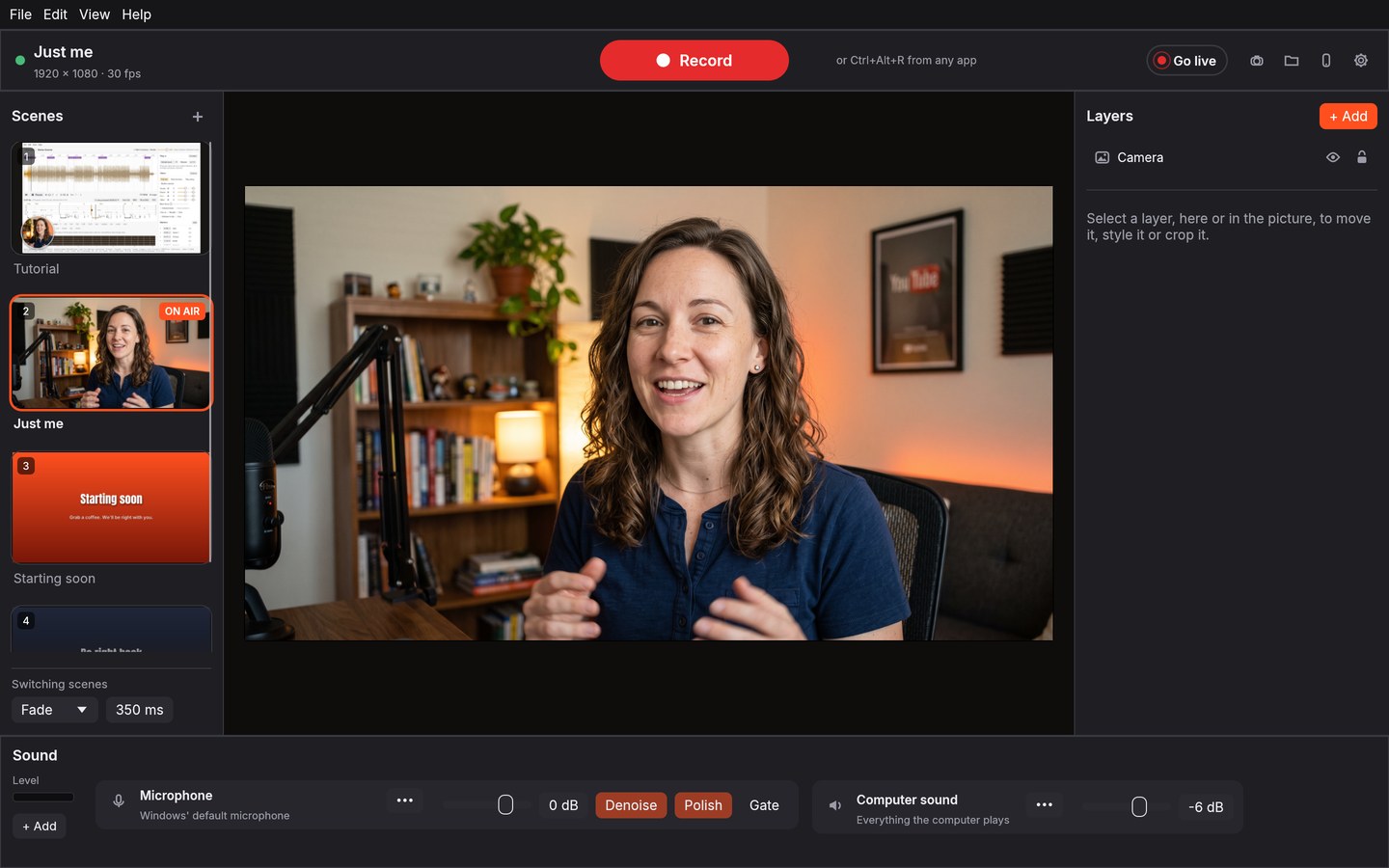
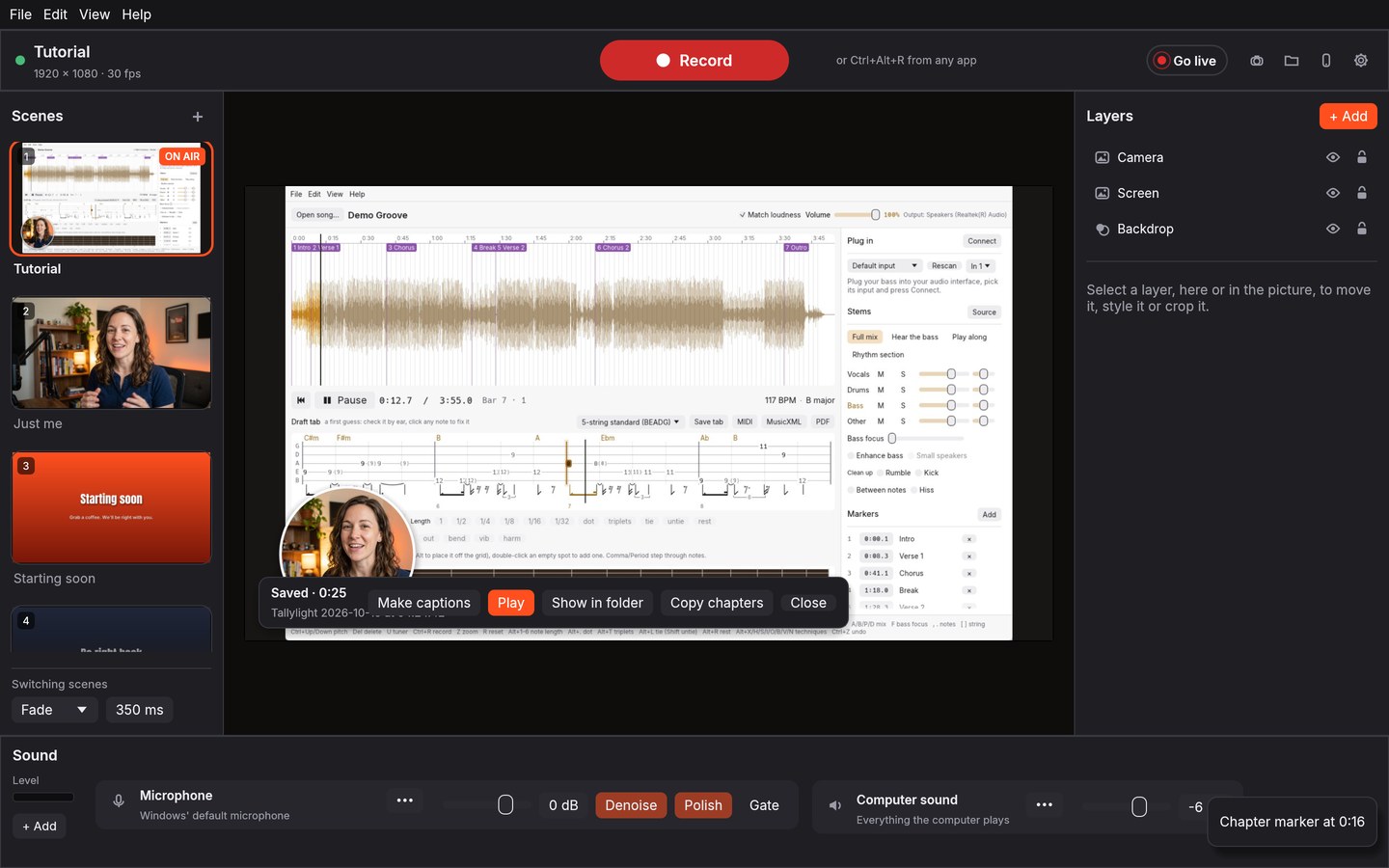
A recording and streaming studio that doesn't need a manual. Lay out your screen and camera by dragging, switch scenes with a click, and press one big button to record. Microphone, computer sound, noise removal and captions are built in, and everything runs on your own computer.
What you actually do
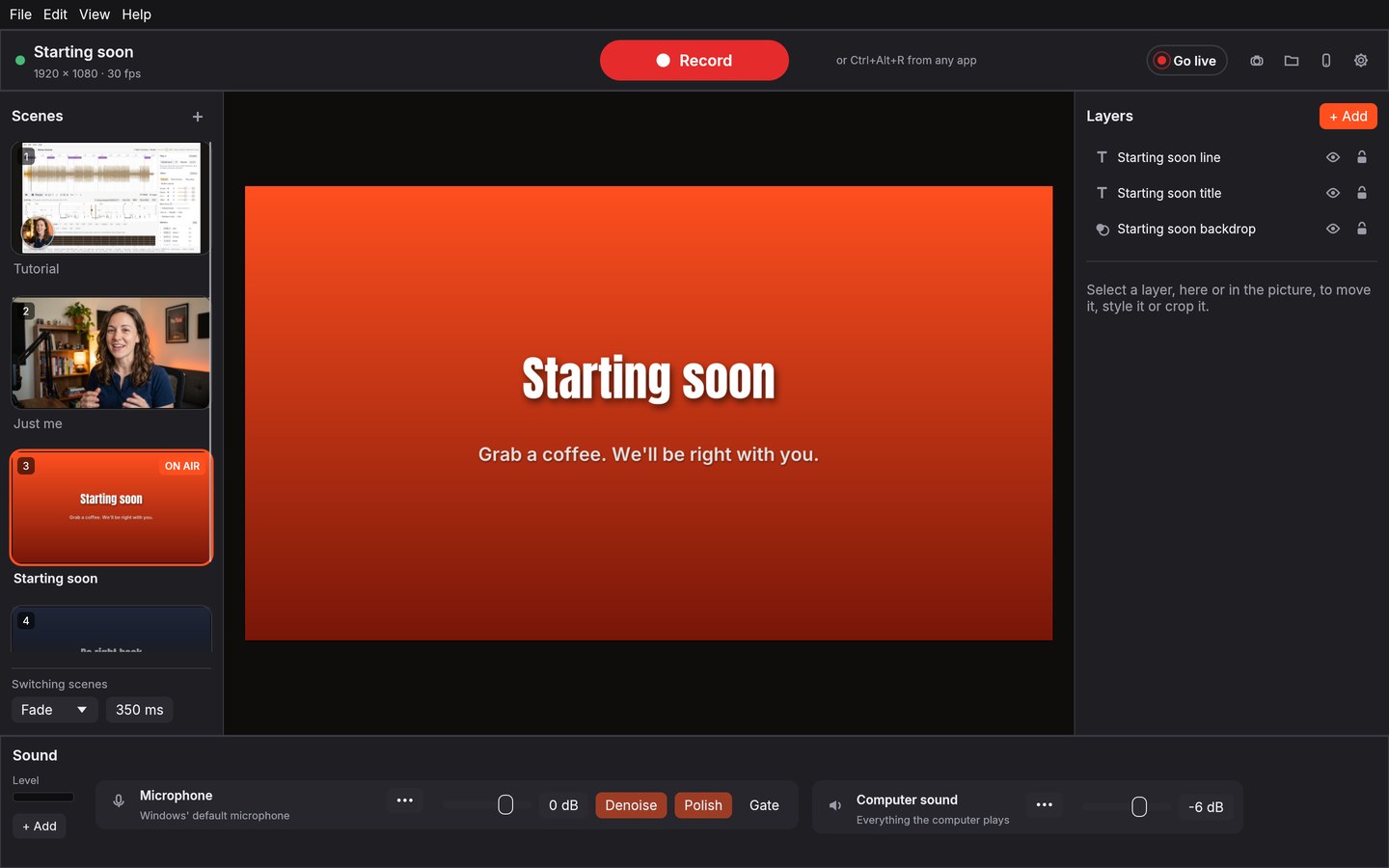
- Scenes as live thumbnails. Click one to cut, fade, slide or zoom to it, even while recording.
- Drag, resize and snap right on the picture. Circle cameras, borders, shadows, crop and green screen.
- Your microphone and the computer's sound work out of the box, with noise removal and voice polish.
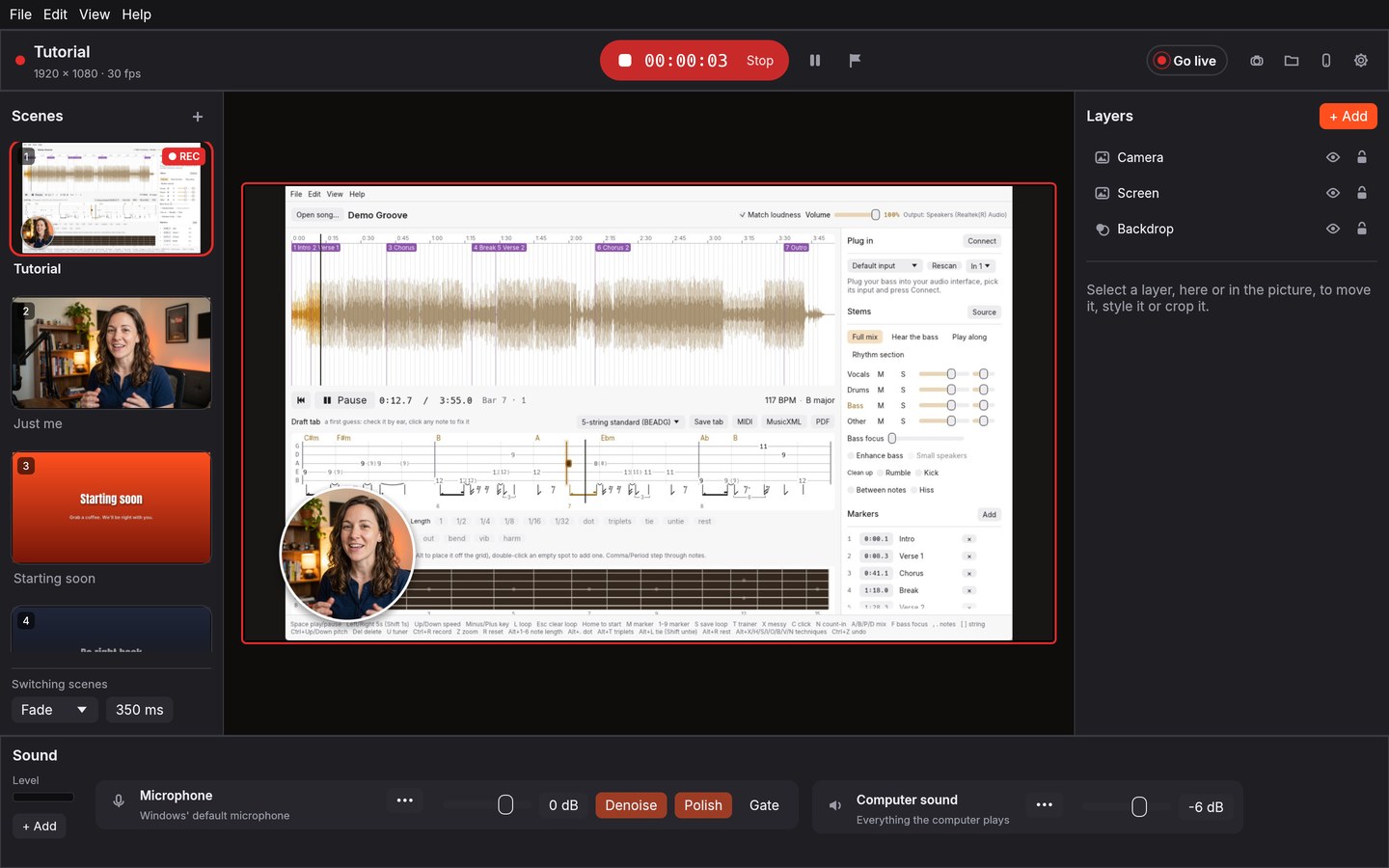
- Zoom in where you click, with a ring on every click. Tutorials that are easy to follow.
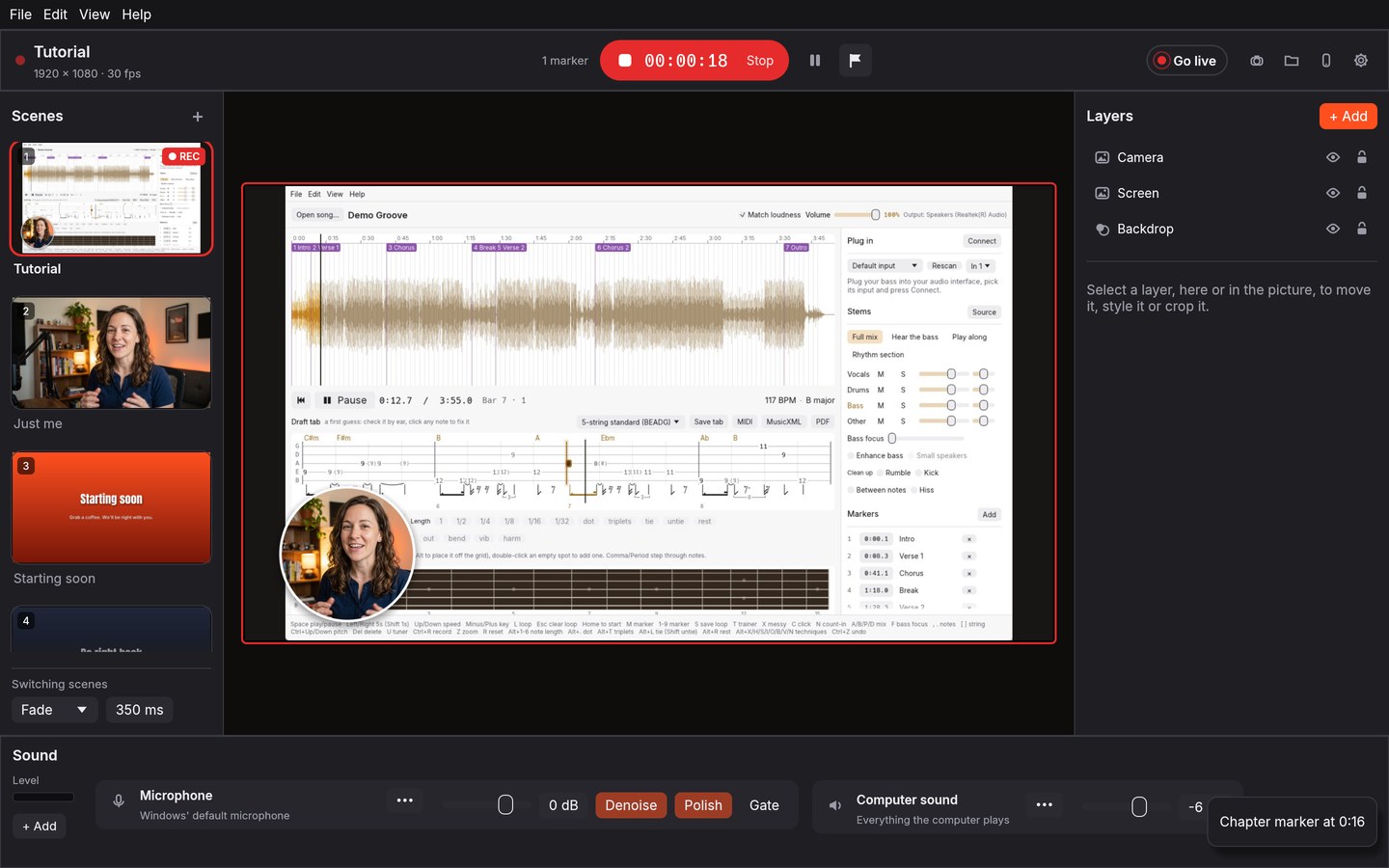
- One button records, with a countdown, pause and chapter markers saved as YouTube chapters.
- Captions and a transcript after each recording, made on your computer.
- Go live to YouTube, Twitch, Kick or Facebook. Run it all from your phone if you like.
Screens
Want Tallylight before everyone else?
Free for the whole beta. You get the Windows installer and a direct line to tell us what to fix.
Also from the shop